Scan receipts and keep them organized.
Turn the pile of crumpled, fading paper receipts in your wallet into clean digital copies. ScannerFlow captures each receipt, reads the total and date with AI-powered OCR, and saves it so you can actually find it later — for expenses, reimbursements, or warranty claims.
Free to download · Android · Free to try
Why digitize receipts
Paper receipts fade. Digital ones don't.
Thermal receipts go blank in months, and a shoebox of paper is impossible to search. A quick scan gives you a permanent, readable copy the moment you get it.
Expenses & reimbursements
Snap a receipt right at the register so it's ready when you file an expense report — no end-of-month hunt through your bag.
Warranties & returns
Keep proof of purchase for electronics and appliances. A clear scan survives long after the printed ink has faded.
A searchable record
OCR makes the merchant name and total searchable, so you can find one receipt among hundreds without flipping through paper.
What to capture on a receipt
The four details that matter most are the merchant name, the date, the total, and the payment method or last 4 digits. Make sure all four are in frame and legible before you save — they're what an accountant, employer, or returns desk will look for.
Step by step
How to scan a receipt with ScannerFlow
- 1
Lay it flat on a dark surface
A dark, matte background makes a pale receipt pop, so the edge detection locks onto it instantly. Smooth out folds with your hand.
- 2
Let the camera find the edges
Hold your phone parallel to the receipt. ScannerFlow detects the borders in real time and auto-captures — or tap the shutter yourself.
- 3
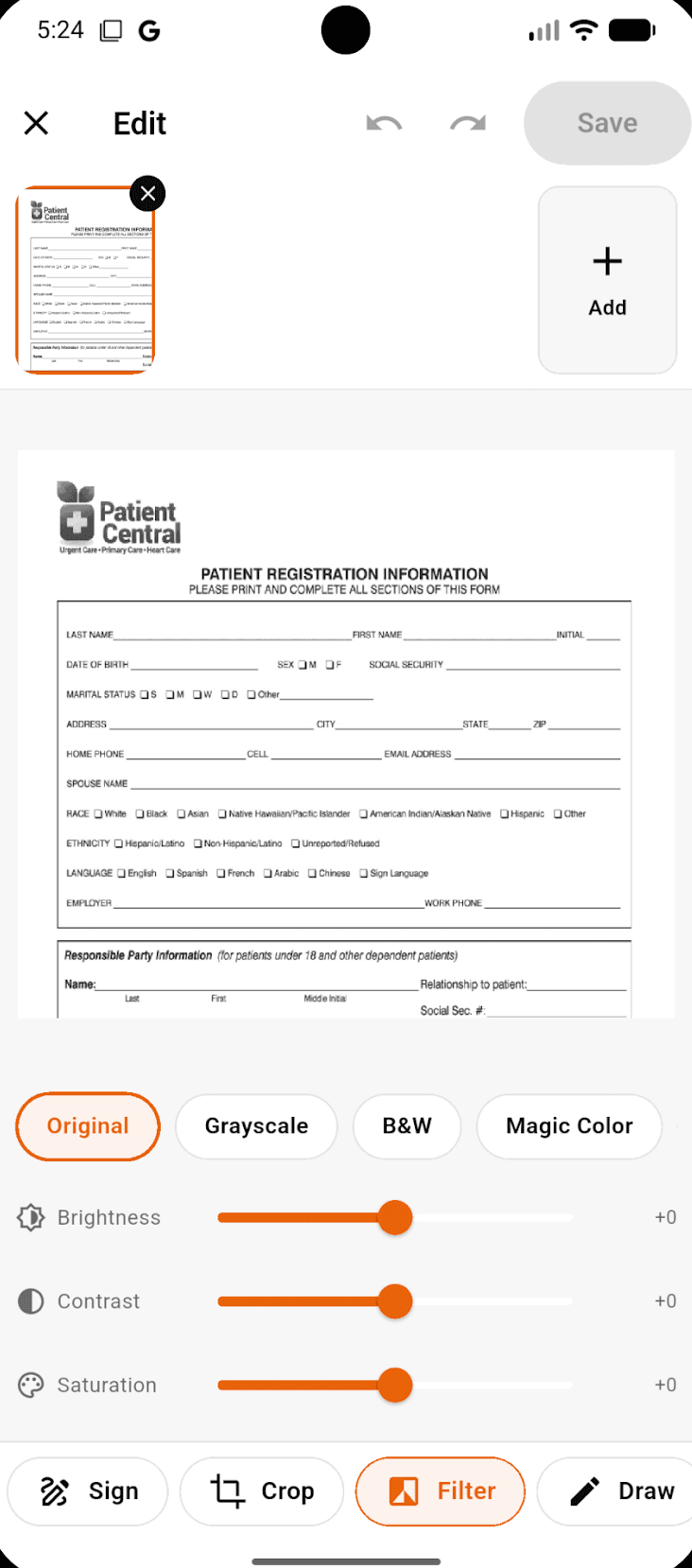
Apply the B&W filter
Switch to the high-contrast B&W mode to darken faint thermal print and strip out background color for a crisp, readable copy.
- 4
Save, let OCR read it, and share
Save as PDF or JPEG. OCR reads the total and date so you can copy them or search later, then share to email, Drive, or your expense app.
Why ScannerFlow
Built for clean, readable receipts
AI OCR reads the details
On-device text recognition pulls the total, date, and merchant from each receipt so your scans are searchable — not just pictures.
Filters built for thermal paper
One-tap B&W and auto-enhance modes rescue faded, low-contrast receipts that ordinary photos turn into an unreadable grey smear.
Fast and mobile-first
Capture a receipt in seconds at the register. Batch several into one multi-page PDF when you get back to your desk.
Private by default
Receipts can show card digits and addresses. Scans are saved to encrypted cloud storage — encrypted in transit and at rest — while OCR runs on-device to read the text.
Pro tips
Get a clean scan from every receipt
Beat the glare
Thermal paper is shiny. Tilt slightly or move away from direct overhead light to kill the white hotspot that erases the print.
Scan it the same day
Thermal ink starts fading within weeks. Capturing a receipt the day you get it guarantees the total is still readable.
Batch a trip together
Coming back from a work trip? Add every receipt to one multi-page PDF so the whole trip files as a single document.
Crop tight
Trim away the table or counter behind the receipt. A tight crop gives OCR less noise and a cleaner total to read.
Receipt scanning FAQ
Can ScannerFlow read the total off a receipt?
Yes. After you scan a receipt, on-device OCR reads the printed text — including the total, date, and merchant name — so you can copy those details or search for them later instead of squinting at faded thermal paper.
How do I scan a long, crumpled receipt?
Flatten it as much as you can on a dark, non-reflective surface, then let the camera detect the edges. For a long receipt that curls, scan it in two overlapping captures and keep both pages in the same multi-page PDF.
Will faded thermal receipts still scan?
Usually, yes. Use the B&W / high-contrast filter to darken light thermal print, and capture in even, indirect light to avoid the glare that washes out faded ink.
Is it free to scan receipts?
ScannerFlow is free to download and free to try. Some advanced features are part of a subscription, but you can scan, crop, and export receipts to get a feel for it before deciding.
Where are my scanned receipts stored?
Your receipts are saved to encrypted cloud storage (Google Cloud / Firebase), encrypted in transit and at rest. Text recognition runs on-device — OCR reads the text on your phone — which matters when a receipt shows the last digits of a card or a billing address.
Stop losing receipts in your bag.
Scan, read, and organize every receipt from your phone. Free to download, free to try.