Scan tax documents, stay organized all year.
Scan tax documents the moment they land — W-2s, 1099s, receipts, donation letters, and forms — into clean, searchable PDFs. When filing season arrives, everything is already captured, named, and easy to hand to your accountant or upload to your tax software.
Free to download · Android · Free to try
Get ahead of April
What to scan for taxes
Capture these as they arrive and filing becomes a matter of forwarding a folder — not a weekend of digging.
Income forms
W-2s, 1099s, and other statements of what you earned. Scan each as it shows up so nothing goes missing.
Deduction records
Charitable donation letters, medical bills, mortgage interest, and deductible receipts — the proof behind every write-off.
Forms & correspondence
Notices, prior-year returns, and any paperwork your preparer or tax software asks you to keep on file.
A simple filing habit
Scan each document the day you get it, give it a clear name (for example “2026 W-2 — Employer”), and add related forms to one multi-page PDF. On-device OCR makes the amounts and dates searchable, so you can find a single figure without flipping through a folder.
Step by step
How to scan a tax document
- 1
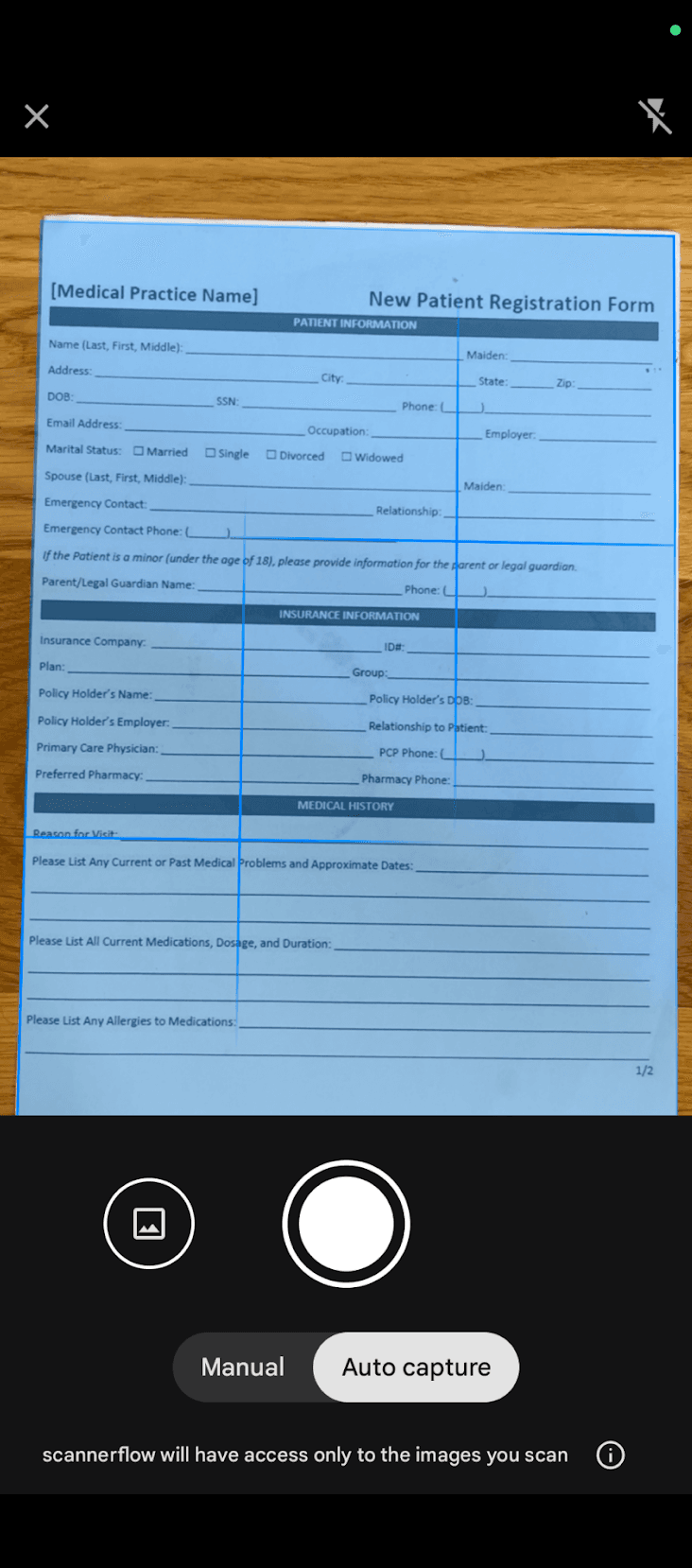
Lay the form flat and fill the frame
Place the document on a plain, contrasting surface with even light. Let edge detection lock onto all four corners.
- 2
Capture and enhance
Auto-capture fires when it is steady. Use auto-enhance for printed forms, or black & white for a crisp, small file.
- 3
Group related forms into one PDF
Add each related page to the same document so a full packet — say, all your 1099s — exports as a single file.
- 4
Name it, let OCR run, and file it
Give it a clear name. On-device OCR makes the text searchable, then export to your accountant, Drive, or tax app.
Why ScannerFlow
Built for sensitive, important paperwork
Private by default
Tax forms carry SSNs and account numbers. OCR runs on-device, and scans are saved to encrypted cloud storage — encrypted in transit and at rest. No ads, no data selling.
Searchable records
On-device OCR makes every amount, date, and name searchable, so you can pull one figure out of a year of paperwork in seconds.
Organized packets
Group forms into clean multi-page PDFs — one file per category — that are easy to hand off at filing time.
Ask about a form
Not sure what a box on a form means for your records? Ask the built-in AI about the scanned document instead of squinting at fine print.
ScannerFlow is a scanning and organization tool, not tax advice. For questions about what to file or keep, check your local tax authority or a qualified professional.
Scanning tax documents — FAQ
What tax documents should I scan?
The usual set: income forms (W-2s, 1099s), deduction records (receipts, donation letters, medical bills, mortgage interest statements), and anything your accountant or tax software asks you to keep. Scanning them as you receive them beats hunting through a drawer in April.
Are scanned tax documents acceptable for filing and records?
For your own records and for sharing with a preparer, a clear scanned PDF is standard practice and widely accepted. Requirements vary by country and situation, so if you are unsure whether an original is required for a specific filing, check your local tax authority or accountant. ScannerFlow keeps a clean, searchable copy either way.
Is it safe to scan documents with my Social Security number on them?
ScannerFlow runs OCR on-device — the text is read on your phone — and your scans are saved to encrypted cloud storage (Google Cloud / Firebase), encrypted in transit and at rest. There are no ads or third-party ad SDKs, and we do not sell your data. Still, treat tax documents carefully and only sync or share them where you trust the destination.
Can I combine all my tax forms into one PDF?
Yes. Scan each form and add it to the same document, then export a single multi-page PDF — handy for sending a complete packet to an accountant. See our guide on scanning multiple pages into one PDF.
Is it free to scan tax documents?
ScannerFlow is free to download and free to try. Some advanced features, like multi-page PDFs and AI tools, are part of an optional subscription — but you can scan, enhance, and export to see how it fits your filing routine.
Turn tax paperwork into a tidy folder
Scan every form as it arrives, keep it searchable and private, and breeze through filing season. Free to download, free to try.