Summarize long documents in seconds.
Scan a 30-page contract, a research paper, or a dense report — and let ScannerFlow boil it down to the key points. Right from your phone, no rereading required.
Free to download · Android · Free to try
What it does
The long version, made short
Some documents are too long to read end to end when you just need the gist. ScannerFlow reads the whole thing and hands you a clear summary of what matters — then lets you ask for more detail if you want it.
Key points up front
Get a short overview plus a bulleted list of the main ideas across every page you scanned.
Shape it to your need
Ask for a shorter version, the action items only, or the risks — the summary adapts to your follow-up.
Save or share it
Copy the summary into an email, a note, or a message — the work of reading is already done.
How it works
From a stack of pages to a summary
- 1
Scan the document
Capture every page in one go. ScannerFlow auto-crops and cleans each scan so the text reads clearly.
- 2
Ask for a summary
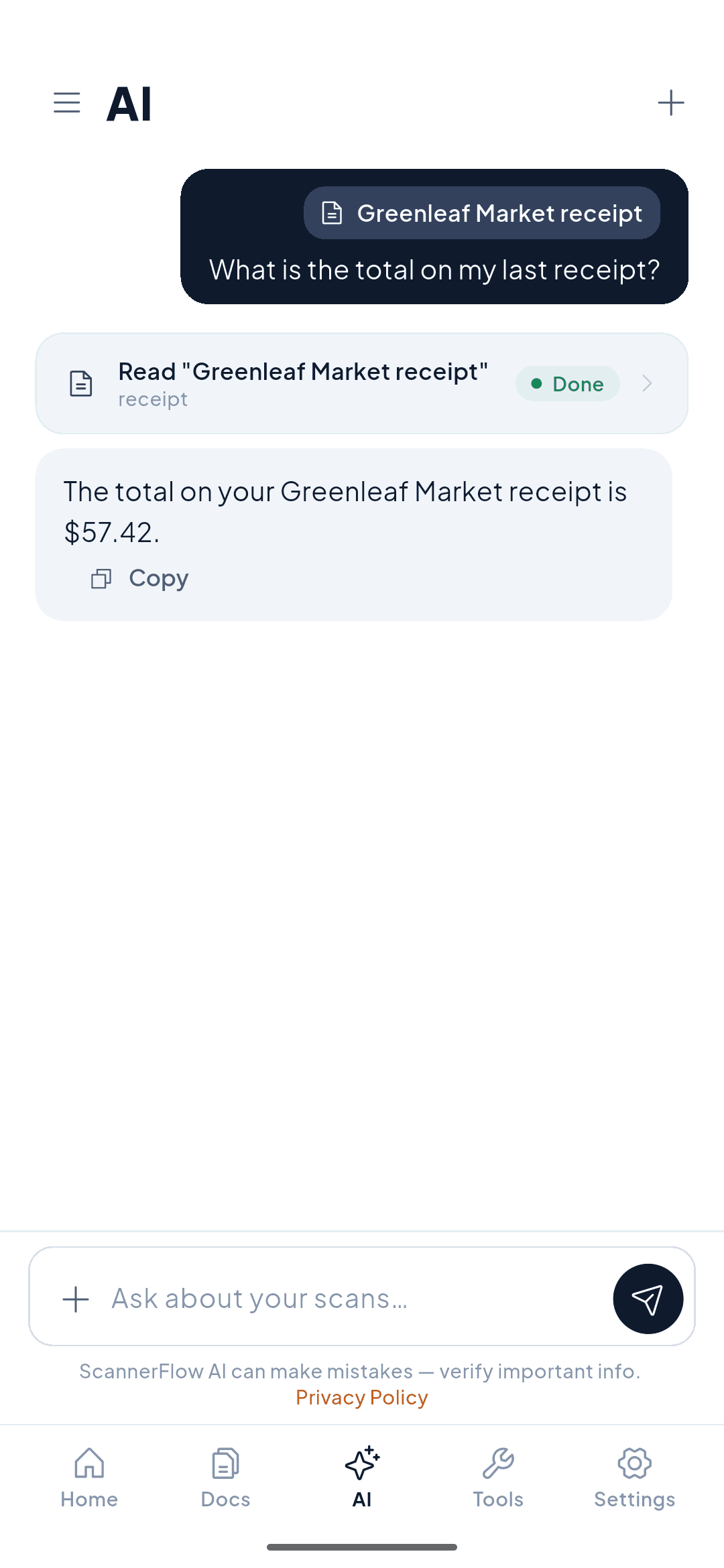
Open the AI tab and attach the scan with the + button in the composer, then type “summarize this” — or be specific, like “summarize the key risks.”
- 3
Read the short version
Get the overview and key points in seconds. Ask a follow-up to shorten, expand, or dig into any section.
Why ScannerFlow
Summaries that come from your scan
Grounded in the document
The summary is built from the pages you scanned, so it reflects your actual report or contract.
Whole-document, not page one
Scan a multi-page document and ScannerFlow summarizes across all of it, not just the first page.
Scan and summarize on your phone
Capture and summarize in the same app — no desktop, no separate web tool, no copy-paste.
What leaves your phone
Text recognition runs on your phone; scans are backed up to encrypted cloud storage. To write the summary, the document’s text is sent to our AI provider, OpenAI. No ads, and we never sell your data.
Real use cases
When a summary saves the day
Students
Scan a textbook chapter or a research paper and get the main arguments before an exam — without rereading 40 pages.
Professionals
Turn a long report or proposal into a few bullet points you can act on or forward to your team.
Anyone with a contract
Get the gist of an agreement, then ask follow-ups about the parts that matter before you sign.
Readers on the go
Scan an article or a letter and read the short version when you don’t have time for the whole thing.
Start here
- ScannerFlow for Android
Scan, extract text, sign, convert and ask AI — one tap per job.
- AI document scanner
Scan a page, then ask AI to summarize, translate or find a detail.
- ID scanner to PDF
Front and back of an ID card on one A4 page, ready to send.
Frequently asked questions
Can I summarize a scanned document?
Yes. Scan the pages, open the AI tab, attach the document and ask “summarize this”. ScannerFlow reads the text of your scan and returns a plain-language summary of the key points — so a long report or contract becomes a short overview.
How long can the document be?
You can scan multi-page documents and summarize the whole thing at once. ScannerFlow pulls the main ideas across all the pages, not just the first one.
What does the summary include?
A short overview plus the key points. You can also ask follow-ups in the chat — "make it shorter," "list the action items," or "what are the risks?" — to shape the summary to what you need.
Is summarizing free?
ScannerFlow is free to download, with 3 free scans and 10 free AI messages a day, so you can summarize a document without paying. Premium ($5.99/week after a 3-day free trial) lifts the daily caps. Summaries are generated by our AI provider, OpenAI, from the text of your scan.
Get ScannerFlow
Read less. Know more.
Download ScannerFlow, scan a long document, and get the key points in seconds.
Free to download · Android · Free to try
Part of ScannerFlow’s AI document scanner. See also chat with PDF and scan and translate.